In the app
Every trip in one place, under its own city.
Real screens from the app. Each trip keeps its flight, hotel, car and meals together, and booking starts from the trip, every option checked against your policy.
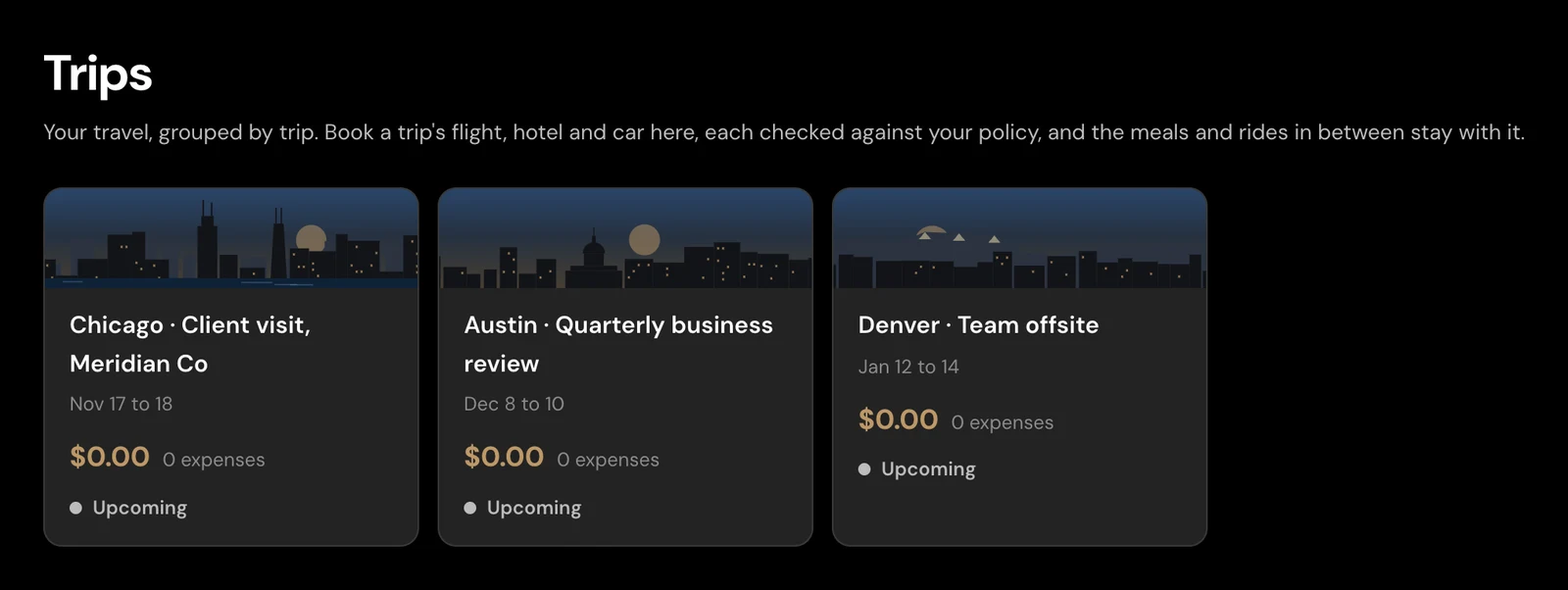
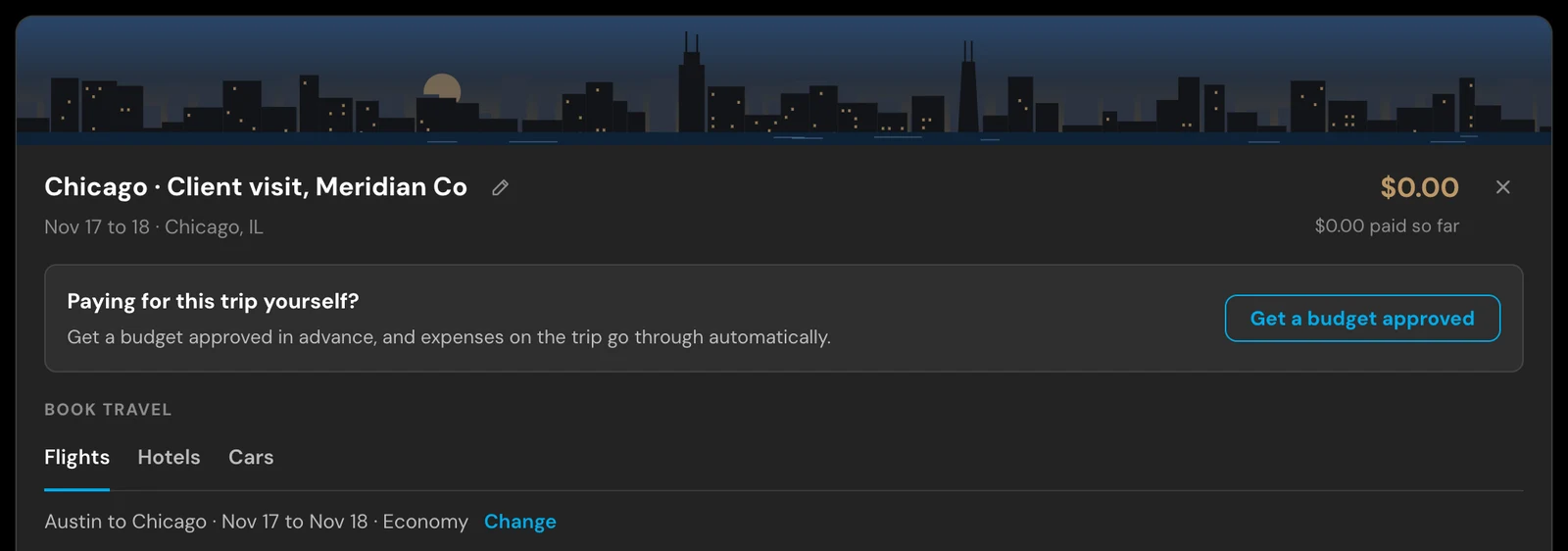
Tell ExpenseOS™ where and when. It finds flights, hotels and cars and checks every one against your company's rules, with the rule named. Pick what you want and book it on the provider's site with your own card, so the miles stay yours.
In the app
Real screens from the app. Each trip keeps its flight, hotel, car and meals together, and booking starts from the trip, every option checked against your policy.
Why it's different
Ask in the chat, "Book a hotel in Austin," or open a trip, and ExpenseOS searches flights, hotels and cars. It does the searching. You pick.
Every result is checked against your company's rules, with the rule named, and hotel caps follow each city's rates this week. Out of policy goes to your manager first, with the reason.
You book on the card you already love, approved before you spend, so the miles and status credits land with you, and ExpenseOS pays you back.
The trip keeps its flight, hotel, car and meals together.
Cover the difference
Want the nicer hotel or the nonstop flight? Book it on your own card. The in-policy part is paid back the minute you book, you cover the rest, and the points on all of it are yours.
Selection & price
ExpenseOS searches across airlines, hotels and rental cars, and you book on the provider's own site at its own price.
Your company's card policy
We're rolling out ExpenseOS to employees who are done handing over their rewards and chasing expense reports. Refer your team and we'll bring it to your company.
Refer your finance teamFAQ
It finds and checks it, and you book it. Ask in the chat or open a trip, and ExpenseOS searches flights, hotels and cars. Every result is checked against your company's policy, with the rule named, and hotel caps follow each city's rates this week. You book the one you want on the provider's own site with your own card, approved before you spend, and anything out of policy goes to your manager first, with the reason.
Yes, if you cover the difference. The in-policy options come first, at today's live rates. If you want the nicer hotel, the nonstop flight or a bigger rental car instead, book it on your own card: the in-policy part is paid back the minute you book, you cover the rest, and the points on the whole booking are yours. You see both numbers before you spend. Anything out of policy for another reason still goes to your manager first.
Yes. Book however you like, on your own card, keep the miles and the status, and ExpenseOS handles the expense and the reimbursement.
You do, because you booked on your own card in your own loyalty account. That is the difference from a corporate booking tool, where the trip is paid on a company card and the rewards accrue to the company.
Label the expenses with the trip name as you go, then file the trip as a single report. Flights, hotels, meals and the mileage to the airport all land in one document.
Yes. Give the addresses and ExpenseOS works out the distance and applies your company's mileage rate.
Further reading: Why AI is the best travel concierge your team has had